
Public EV Charging in Australia: What Drivers Should Expect
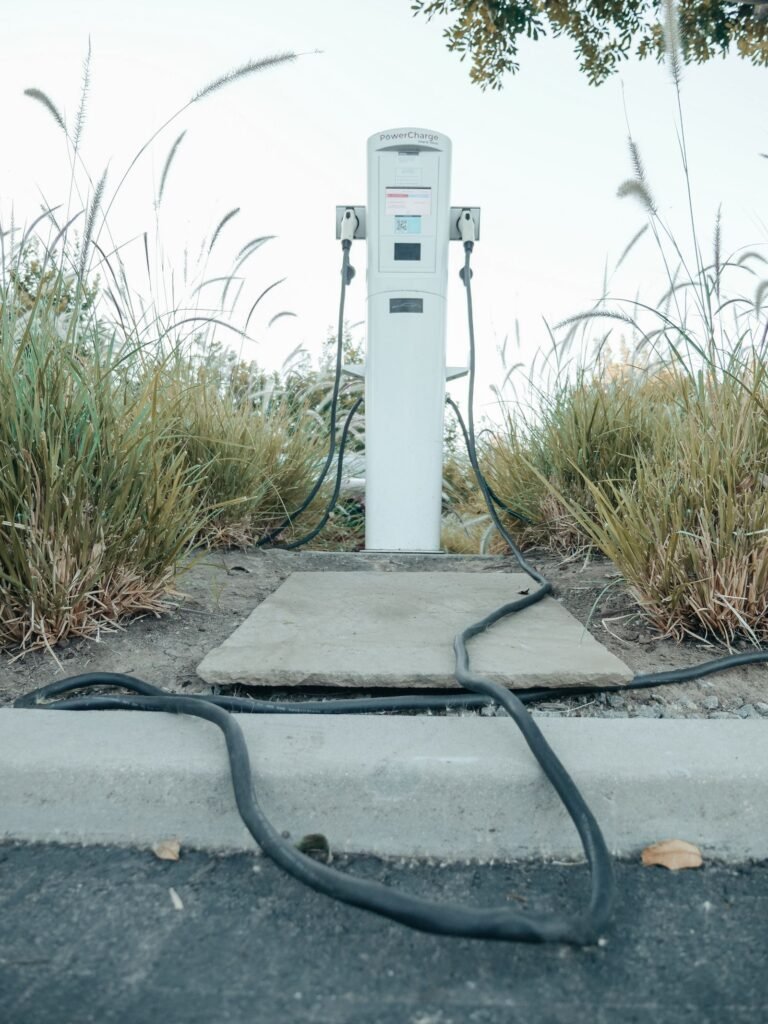
Public EV charging Australia is a mix of national networks, supermarket posts, highway ultra-fast hubs and quieter destination plugs. The hardware is improving across metro and rural areas, but listings still vary in how much detail they show online. New drivers should expect to juggle multiple network apps, plan backup stations and confirm connector types before every stop.
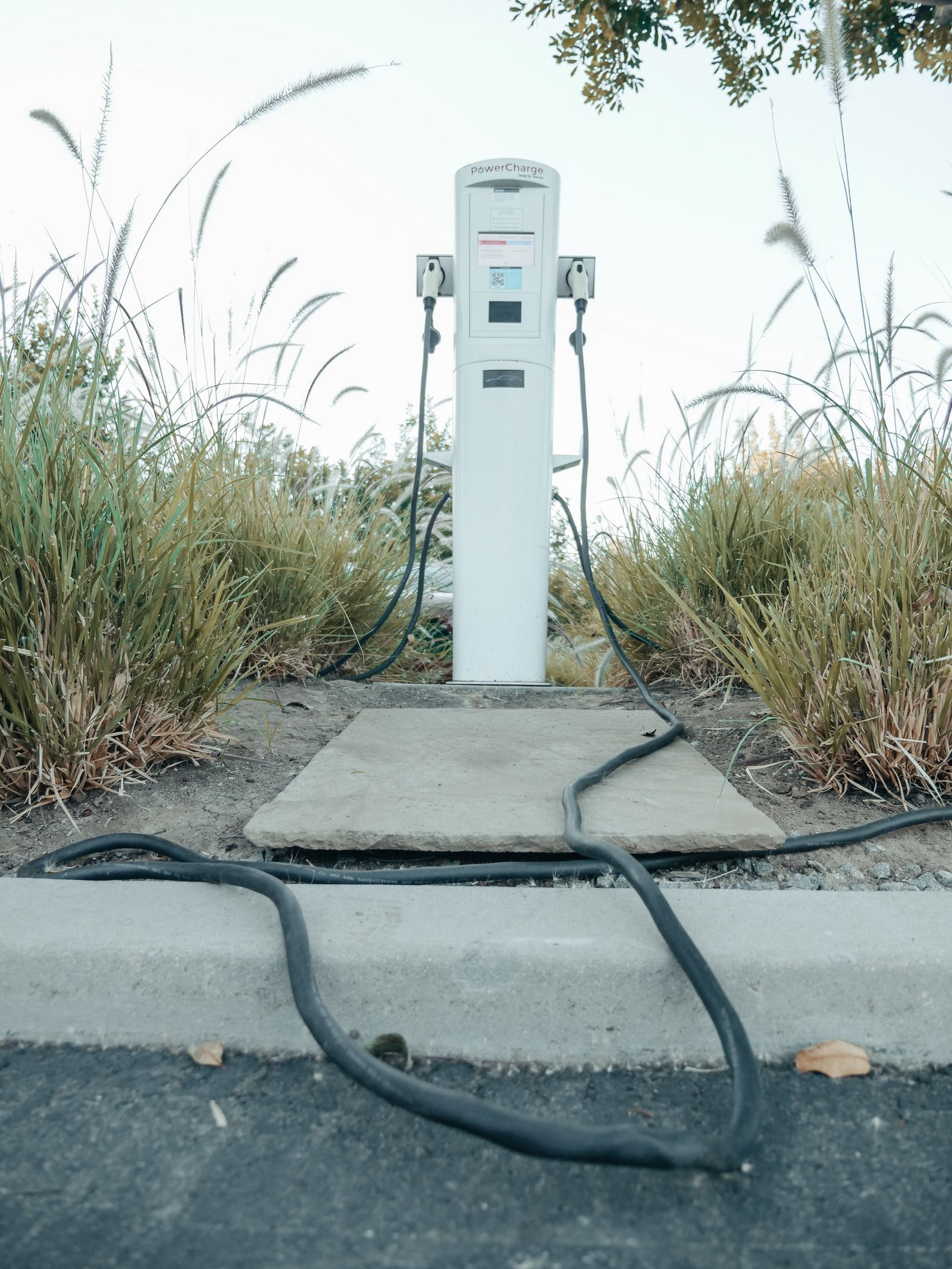
Networks you will see often across Australia
Chargefox, Evie, Exploren, Tesla, Jolt, NRMA and BP Pulse appear frequently in Google Maps data for Australian charging stations. Branding on the cabinet matters because it usually decides which app, RFID card or roaming path you use to start a session. Some smaller regional operators exist as well, especially in rural corridors where national networks have not yet reached.
Most networks require their own app for payment and session management. A few sites accept contactless cards, but this is rare at fast DC bays. Carry accounts for at least three or four major networks before you travel outside your local area to ensure reliable coverage.
Connector standards in Australia
CCS (Combined Charging System) is the dominant DC fast-charging standard for non-Tesla EVs in Australia. Type 2 is the common AC connector for destination charging at shopping centres, workplaces and street parking. CHAdeMO appears on older stations and some imported vehicles, but fewer new cars use it.
Tesla sites use Tesla-branded connectors, and access rules vary by location. Some Tesla stations now allow non-Tesla vehicles with the right adapter and account setup, but confirm on the listing and with Tesla before you plan a stop there. The adapter market is still evolving, so double-check compatibility before you buy third-party adapters.
| Connector | Type | Typical use |
|---|---|---|
| Type 2 | AC | Destination (1 to 3 hours) |
| CCS | DC | Fast top-up (20 to 40 min) |
| CHAdeMO | DC | Older vehicles |
| Tesla | DC | Tesla network |
Speed bands in plain language
Charging speed depends on the cabinet power, your car’s acceptance rate and the battery state of charge. A 350 kW cabinet will not deliver 350 kW to every car. Here are the practical bands you will see on listings and cabinet stickers.
- Destination (under 50 kW): Typically 7 kW to 22 kW for Type 2 AC. Fine while you shop, work or eat for an hour or more.
- Fast DC (50 to 149 kW): Useful for mid-trip top-ups. Expect 20 to 40 minutes to add meaningful range, depending on your car and how full the battery already is.
- Ultra-fast (150 kW and above): Best for highway recovery when bays are free and your car can accept the rate. Sessions can be faster, but shared cabinets and cable limits can reduce the actual power you receive.
Power on a listing is a peak figure from Maps business data. Shared cabinets split power between multiple bays when both are in use. Cable ratings, battery temperature and the car’s onboard limits also affect session speed, so treat the sticker kW as a maximum, not a guarantee.
Planning a suburb or highway stop
For local errands, filter by suburb and look for Type 2 or the DC plug your car uses. Shopping-centre posts usually have lower power but convenient hours that match the centre. For road trips, prioritise CCS (or your DC standard), higher kW and 24-hour access where hours matter overnight or on public holidays.
Browse by state from the locations hub, then open a few listings to compare connectors, network names and hours side by side. Save your shortlist in the browser or screenshot the URLs so you can pull them up without searching every time you need a charge.
How payment and apps work
Almost all public DC fast sites in Australia require a network app, RFID card or QR code scan to start a session. Contactless card payment is rare and mostly limited to slower AC destination posts. Install the network app before you travel, add a payment method and test it at a local station before you rely on it for a long trip.
Some networks offer subscription tiers that reduce per-kWh rates if you charge frequently. Casual users pay standard rates with no monthly fee. Compare your expected usage before you subscribe, because low monthly mileage might not justify the membership cost.
Roaming deals exist between some networks, but they are not universal. Default to carrying the native app for each network you plan to use rather than relying on roaming access. Roaming rates are sometimes higher than native network pricing, so check before you start a session.
Coverage patterns across Australia
Metro areas like Sydney, Melbourne, Brisbane and Perth have decent public charging density, with multiple networks competing for the same locations. Shopping centres, fuel stations and council car parks host AC and DC posts. Highway corridors are improving, but gaps still exist on less-travelled routes.
Rural and regional coverage is patchy. Some highways have fast DC hubs every 100 to 200 km, while others have only slow AC posts or nothing at all. Plan rural trips carefully, carry a backup power bank for your phone, and consider booking accommodation with EV charging if you are travelling through areas with sparse public infrastructure.
What to expect at different site types
Shopping-centre posts are usually Type 2 AC with 7 kW to 22 kW. They follow centre hours, so arrive before closing time if you need a top-up. Some centres offer free charging for customers, while others charge per kWh or per hour. Check the network app or site signage for pricing before you plug in.
Highway service-centre hubs often have 50 kW to 350 kW DC fast bays. These are designed for quick stops where you grab coffee or use the restrooms while the car charges. Expect to pay higher per-kWh rates than at slower destination posts, but the time saving justifies the cost on long trips.
Street parking and council car parks sometimes have AC posts for residents or visitors. These are often slower (7 kW) and may require parking payment on top of the charging fee. Check the signage for time limits and whether you need a council parking app as well as the charging network app.
Common issues and how to avoid them
- Bay occupied by a finished car: Idle fees exist to discourage this, but some drivers still forget to move. Always have a backup station on your shortlist.
- Network app fails to start session: Poor signal at the bay can block app logins. Set up your account and payment method before you leave home or while you still have strong signal.
- Connector mismatch: Listings sometimes show multiple plugs on one post, but not every cable fits every car. Confirm your port type before you drive to a station.
- Hardware fault or offline cabinet: Networks publish uptime stats, but individual cabinets can go offline without warning. Report faults through the app and move to your backup station.
How to build a reliable charging routine
Experienced EV drivers develop habits that reduce stress and wasted time. Install apps for multiple networks before your first road trip. Save common routes with shortlisted stations in a notes app or browser bookmarks. Keep a portable power bank for your phone so you can troubleshoot app issues without draining the car battery.
For daily commuting, identify one or two local stations with the right connector and convenient hours. For longer trips, plan primary and backup stops for every 150 to 200 km, depending on your car’s range and the highway spacing. Check the network app the night before to confirm the stations are online and have available bays.
For national policy context on electric vehicles and charging infrastructure, see the Australian Government Energy portfolio EV overview.
Related guides
- Find an EV charger near me
- CCS vs Type 2 connector guide
- Chargefox vs Evie network comparison
- How to use a public EV charger step by step
- How we verify EV charger listings
Frequently Asked Questions
Is public EV charging free in Australia?
Some sites are free or low-cost, especially at retailer car parks or council posts. Most DC fast sites charge per kWh or per minute via the network app. Always check the network pricing in the app before you start a session so you know what the charge will cost.
Do I need both AC and DC charging capability?
Most modern EVs support Type 2 AC and a DC standard such as CCS. Confirm your port cover and any adapters before relying on a specific listing. Older cars or imports might only support one type, so check your manual before you plan a long trip.
How reliable is public charging in Australia?
Uptime varies by network and site age. Newer ultra-fast hubs tend to have fewer faults than older 50 kW cabinets. Networks publish uptime stats, but individual cabinets can go offline without warning. Always have a backup station from a different network on your shortlist before you rely on a single bay.
Can I charge any EV at any public station?
No. You need a matching connector (Type 2 for AC, CCS or CHAdeMO for DC on non-Tesla cars). Tesla vehicles need adapters for non-Tesla sites, and some Tesla sites require account setup before non-Tesla vehicles can charge. Confirm connector compatibility on the listing before you drive to a station.
What happens if a charging station is broken or offline?
Report the fault through the network app so the operator can schedule repairs. Then find a backup station from the directory and use a different network for that session. Do not wait at a broken bay hoping it will reset.
Do I need to carry multiple network apps?
Yes. Most drivers have accounts for at least three or four networks (Chargefox, Evie, NRMA, Jolt, BP Pulse) to ensure reliable coverage across metro and rural areas. Roaming deals exist in some places, but you should still carry the native app for each network you plan to use.
Need a local listing?
Browse verified businesses in our directory or read more guides on the blog.
Find EV chargers All guides