NRMA EV Charging Map and App: What Members Should Know
The NRMA EV charging map in the NRMA app shows where you can plug in across NRMA-branded sites and listed partners, with live status on many bays.
Members use it to plan trips, start charging and manage payment benefits tied to membership tiers. Confirm current offers on the official NRMA EV pages, then cross-check bays on our charger locations hub.
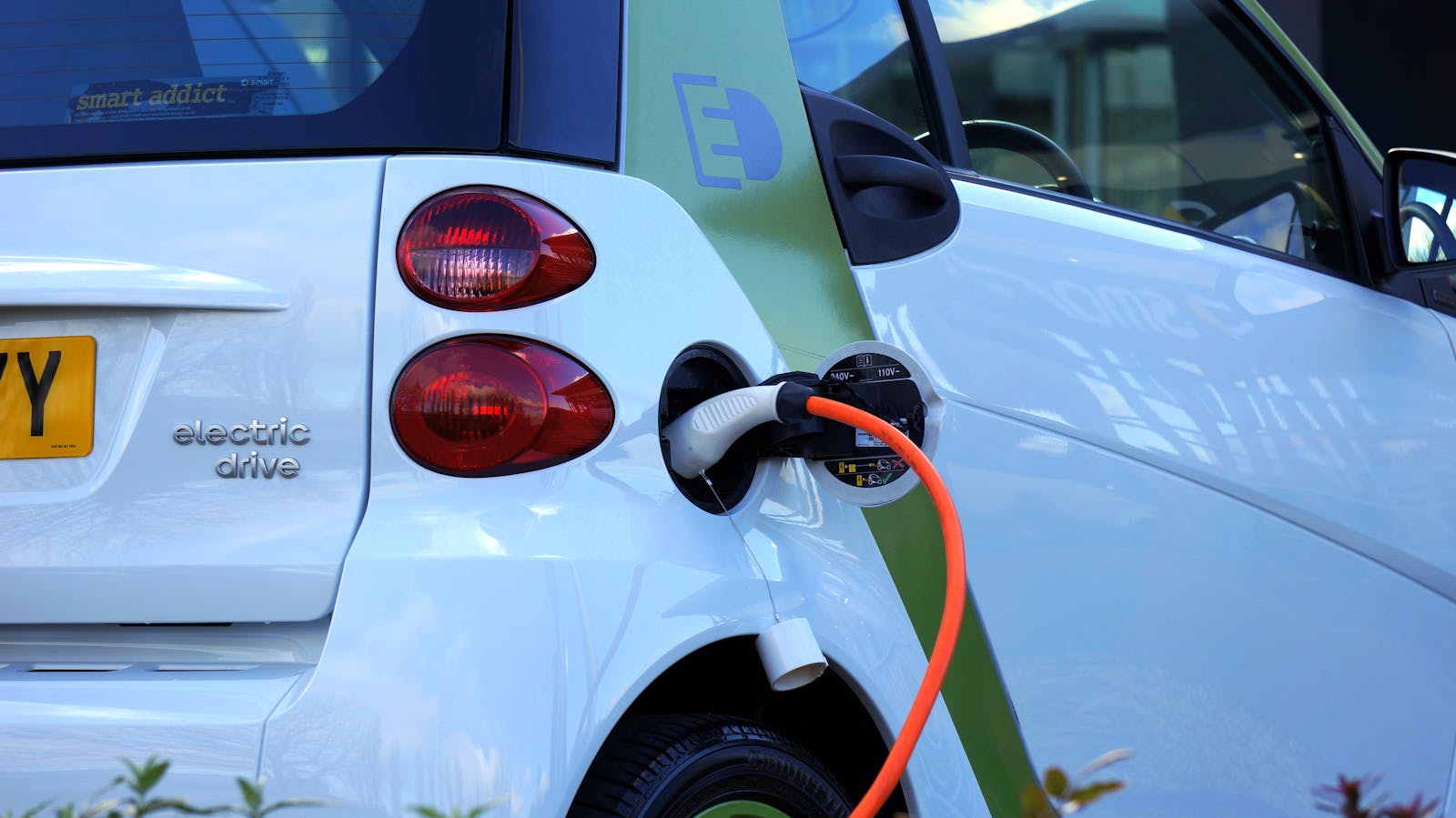
What the NRMA map shows
NRMA isn’t the only network in Australia, but it’s a major player in NSW and along key corridors. The map is a member-facing layer over NRMA cabinets plus partner pins the club chooses to list. Household EV charging context also sits on energy.gov.au.
Filters help you find DC fast sites when you’re time-poor or AC when you’re stopping for a meal. Always read the site detail screen. A single pin can hide multiple plugs with different speeds. A 50 kW CCS bay next to a 22 kW Type 2 post is not “the same charger”. The map should tell you which cable you’re aiming at. If it doesn’t, open the listing photo or our directory card before you leave the previous stop.
Live status is useful. It isn’t gospel. Telemetry lags. Treat green as “probably free”, not “reserved for you”.
Connectors, power and what to filter for
Most NRMA DC sites in NSW use CCS for non-Tesla cars. Type 2 covers the AC destination posts at clubs, centres and some street bays. CHAdeMO still appears on older cabinets. Fewer new cars need it. Tesla owners follow Tesla’s own map for Superchargers, then use NRMA where a CCS or Tesla-compatible path exists. Don’t assume every NRMA pin is ultra-fast. Some are destination AC you’ll sit on for an hour while you eat.
If you need a 20-minute highway top-up, filter for DC and read the kW on the pin. A 50 kW cabinet and a 150 kW+ ultra-fast hub are different stops. Chargefox and Evie still own a lot of those higher-power highway cabinets. NRMA fills club sites and selected corridors. Mix them. Don’t build a Hume run on one logo.
Check connector first, then kW, then whether the app can start the session. A pretty pin with the wrong plug is a dead stop.
NRMA membership and charging benefits
NRMA has rolled member charging offers over time, often bundled with roadside assistance packages. Benefits change with membership level and promotional periods, so check the current NRMA EV page rather than relying on forum posts from two years ago. Included kWh, casual rates and which cabinets honour the perk are club rules, not something a directory can freeze in a blog post.
| Task | Where to do it |
|---|---|
| Find NRMA and partner chargers | NRMA app map or mynrma.com.au EV section |
| Start a session | NRMA app (linked payment method) |
| See included charging credits | Member account / app benefits tab |
| Report a faulty bay | In-app fault flow or NRMA support |
Non-members can sometimes use NRMA chargers at casual rates, but member pricing and included kWh are the main reason locals download the app. If you’re not a member, still read the sticker on the cabinet. Casual RFID or app start may work. Don’t stand in the bay guessing.
How NRMA fits other Australian networks
Chargefox, Evie, Tesla, Jolt and BP Pulse still dominate many suburbs. NRMA sites often appear in third-party apps through roaming or data sharing, but the authoritative session start for member perks is usually the NRMA app itself. Starting in Chargefox when the perk lives in NRMA is how people pay casual rates by accident.
On a road trip, run two apps: NRMA for club sites, plus whatever network owns the highway cabinet you’re targeting. Our public EV charging Australia guide explains connector types and planning habits. Chargefox vs Evie covers the two networks you’ll meet most on the Hume, Pacific and inland NSW corridors when NRMA isn’t the pin in front of you.
Jolt’s free-with-ads model and Tesla’s Supercharger access rules are separate again. The NRMA map is not a national inventory of every plug. It’s the club’s map. Use it as one layer.
Using the map on a trip
Pre-load the app and payment before you leave mobile coverage gaps. Sort by DC power when you need a 20-minute top-up, not every pin on the map. Read idle and time limits on shopping-centre bays. NRMA etiquette matches other networks: move when you’re done. Cross-check our directory for suburbs where NRMA hasn’t listed yet or a new Evie site opened last week.
Regional NSW still has long stretches between fast chargers. Use the map to stitch NRMA stops with Chargefox or Evie backups rather than betting on one brand. On the Hume or Pacific, plan a Chargefox or Evie cabinet as the fallback if the NRMA pin is the only DC for 80 km. If that NRMA bay is ICEd or offline, you need the next pin already chosen, not a panic search at 12%.
If you’re overnighting, look for destination Type 2 near the hotel rather than occupying a highway CCS bay from dinner until breakfast. That’s what AC posts are for. The map’s filter is how you stop mixing those jobs up.
When the map disagrees with reality
Telemetry lags happen. A bay can show green in-app while a broken cable sits on the ground. If a session won’t start, log a fault, try the next pin, and update your mental plan. Don’t occupy the space for 20 minutes on hold to support while a queue forms behind you.
For etiquette when bays are busy, see EV charging etiquette Australia. For NRMA vs other operators’ pricing models, compare Chargefox and Evie when you’re not on club infrastructure. If three apps disagree on whether a bay is live, believe the cable on the ground.
Yet a stale “offline” flag can also hide a working cabinet. If you’re already there and the screen boots, try the session. If it fails twice, leave. The next town’s Chargefox hub is the plan, not a third reboot.
Frequently Asked Questions
Is the NRMA EV map only for NSW?
NRMA’s charger footprint is strongest in NSW and linked routes, but member travel often uses partner maps interstate. Always check the pin’s state and access rules. A Queensland holiday is not “the same app, same perks, same plugs” without reading the site card. Club roaming and partner pins change. Confirm before you skip a Chargefox stop you already know works.
Do I need the NRMA app to charge?
Member benefits and session start are built around the app. Casual users follow NRMA’s public instructions for pay-as-you-go where offered. If the cabinet only talks to the NRMA app, a Chargefox login won’t help. Set the account up at home, not in a car park with 18% left.
Can I find NRMA chargers on EV Charger Near Me?
Yes. Search the locations hub by suburb or highway town and open listing details for network and connector type. Use the NRMA map for live status and member start. Use our directory when you’re comparing CCS vs Type 2, kW bands and nearby alternatives the club map didn’t list.
Summary
The NRMA EV charging map is the member’s front door to club chargers and partners: find bays, start sessions, and track benefits in the app. Pair it with Chargefox, Evie and Tesla apps on longer drives. Verify sites on our directory when you’re exploring new areas. Filter for CCS vs Type 2 and for DC vs AC so the pin matches the stop you actually need.
If membership perks matter, start the session in the NRMA app. If they don’t, still read the kW and the connector before you commit the detour. That’s the whole habit.
By EV Charger Near Me Team
Looking for local businesses?
Browse verified listings across Australia with current hours, reviews and contact details.
Need a local listing?
Browse verified businesses in our directory or read more guides on the blog.
Find EV chargers All guides