
NRMA EV Charging Map and App: Check Access, Prices and Payment
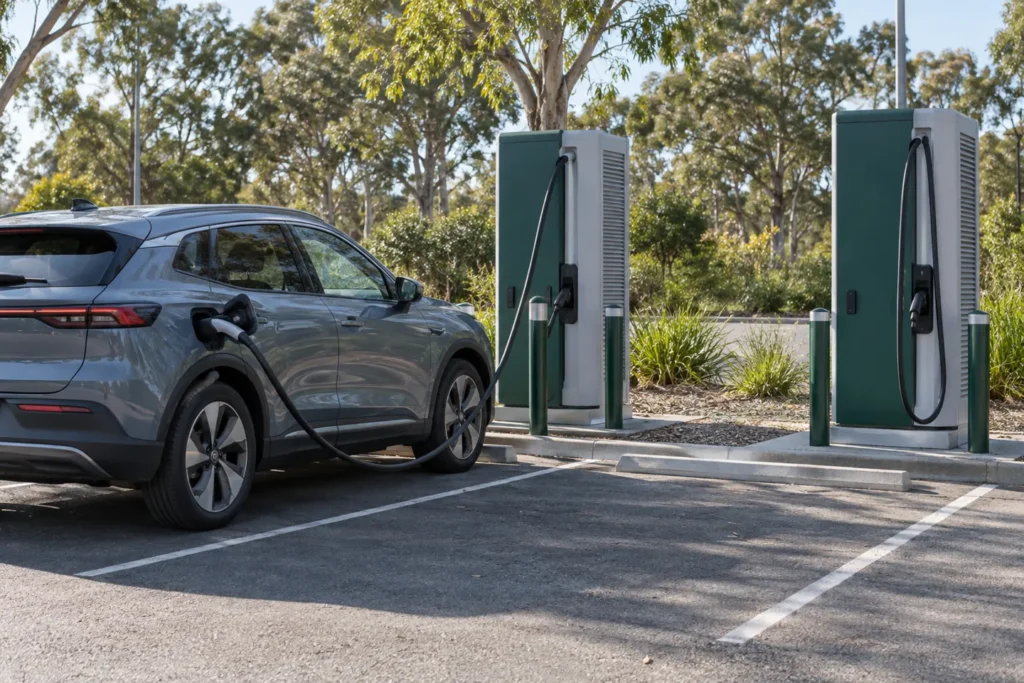
The My NRMA app helps drivers find and pay at NRMA charging stations in Australia. Check the selected location, price and account options before travelling. If you intend to start through a partner app, check that same station and tariff there too. Equipment branding, app access and member pricing are separate questions.
By EV Charger Near Me Team. Sources reviewed 2 November 2026. Earlier references here to included kWh, membership tiers and charging credits were not established by the cited source and have been removed.
Find the actual station, then check the connector
The My NRMA app listing published by NRMA includes EV charging among its functions. Match the station address and identifier, not just a nearby pin. Check the connector, published power and whether the bay can be reached at your arrival time.
A location can have different units or connector ratings. Your car’s AC or DC limit still affects usable power. Confirm its connection in the handbook; a network name does not establish compatibility. See CCS2 versus Type 2 before choosing equipment.
Choose the payment app deliberately
Chargefox confirms access to selected NRMA stations through its app. This does not establish that every NRMA site supports every Chargefox method, or that both apps show the same price or benefit. Check the selected unit through the payment route you will actually use.
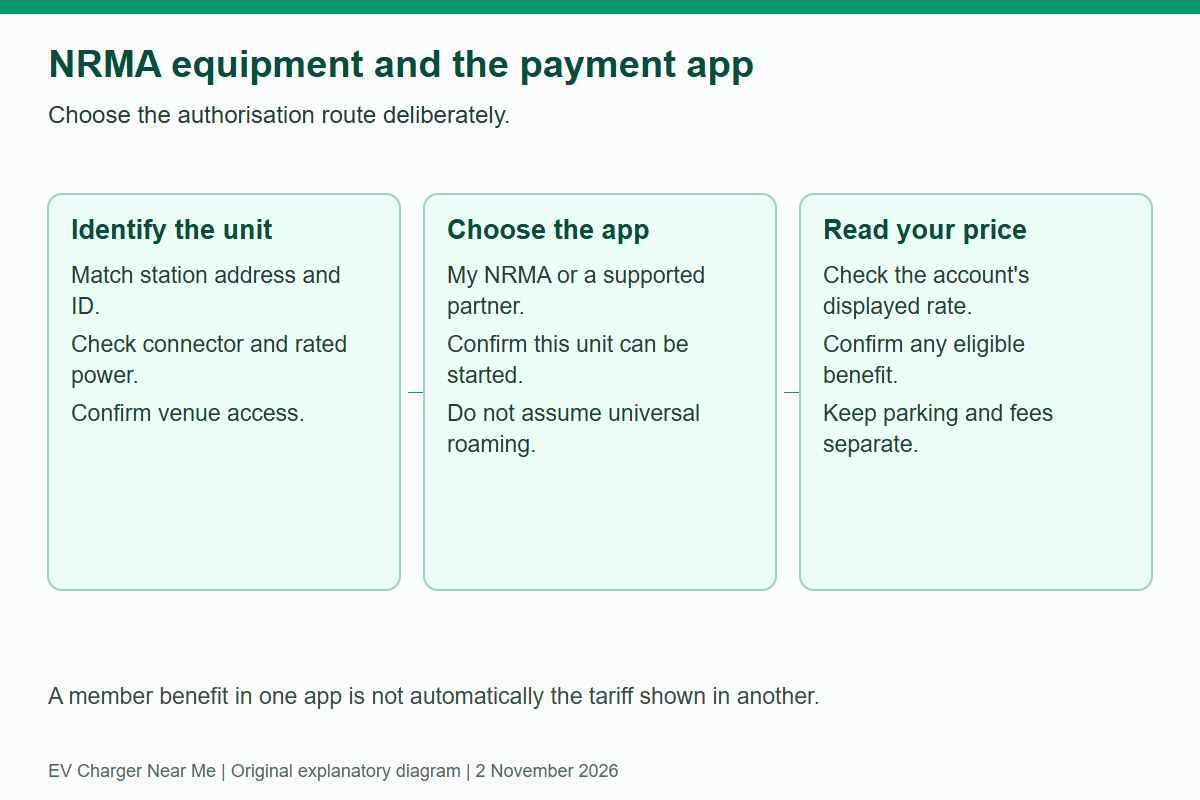
| Question | Where to check |
|---|---|
| Can this account start this unit? | The selected station screen and its published instructions. |
| What is the session rate? | The price displayed for your chosen app/account/payment method. |
| Does a member benefit apply? | The current eligible offer, account link and participating location. |
| Are there parking or overstay conditions? | Both the operator’s session terms and the venue’s signs. |
Verify benefits without assuming credits
NRMA’s charging-price update directs drivers to the My NRMA app for location costs and describes member pricing. Check the current offer and account eligibility before starting. A benefit available through one app should not be assumed to follow a session started elsewhere.
Do not infer a free-energy allowance from roadside membership, an old promotion or a benefits tab. This guide does not establish an included-kWh plan or a universal member rate. If a benefit is important to the trip, confirm it in the current account interface before relying on the saving.
Read reported status as information, not a reservation
A network’s reported occupancy or fault state can help with planning but may change before you arrive. A directory’s stored equipment and hours are a different kind of information. Neither guarantees a vacant, working bay.
If the first station is unavailable, use a compatible alternative you can reach with a sensible reserve. A different network may be useful, but only if its connector, access and payment are also suitable. Save alternatives through the charger map or journey planner, then confirm current details with their operators.
At the bay
Read the parking signs, choose the correct station/connector and follow its start sequence. Confirm charging on the vehicle or charger display. When finished, stop normally, follow the vehicle’s unlocking instructions and move the car. Keep the session receipt and station ID for any billing or technical query.
The payment guide explains apps, RFID and temporary holds. The cost guide shows how energy and other charges combine. Browse locations when you need a second view of stored station details.
Compare public charging stops
Compare recorded connectors, power and access, then confirm current details with the operator.
Related guides


Need another charging stop?
Browse recorded charging locations or read more guides on using public equipment.
Find EV chargers All guides