
Paying for Public EV Charging: Apps, RFID, Cards and Autocharge
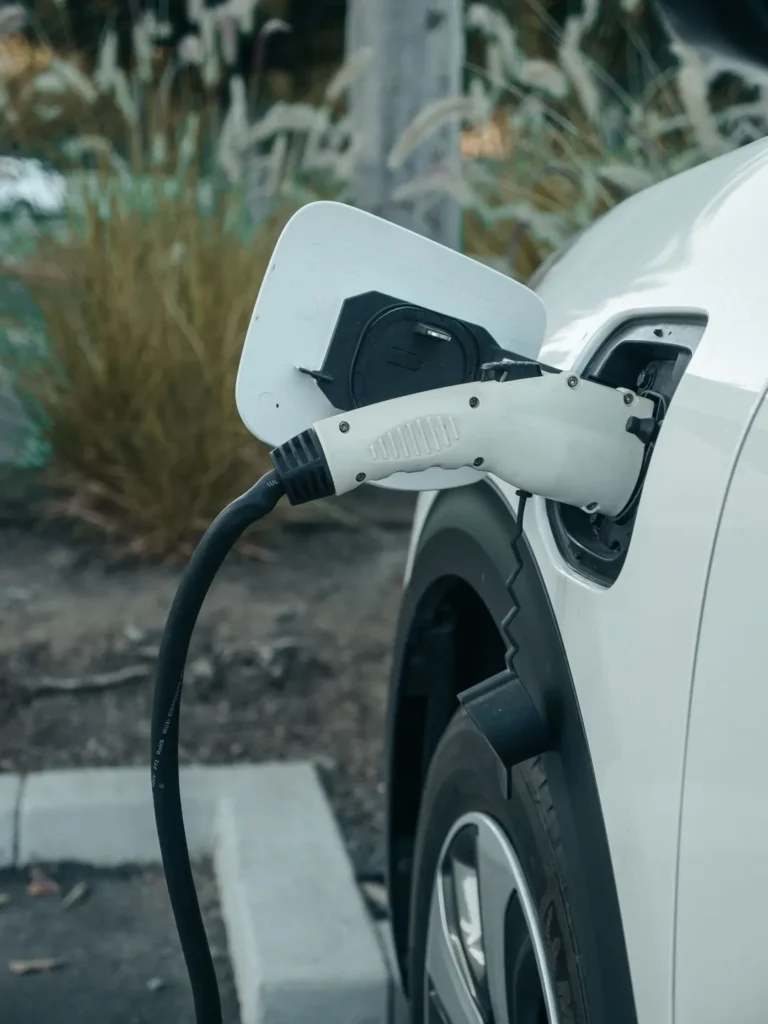
At a public EV charger in Australia, use a payment method supported by that specific unit. It may be an app, an account-linked RFID card, a bank-card terminal or an automatic start arrangement set up beforehand. Confirm the price and payment method before relying on the stop.
By EV Charger Near Me Team. Operator instructions reviewed 2 November 2026.
Choose an available method before travelling
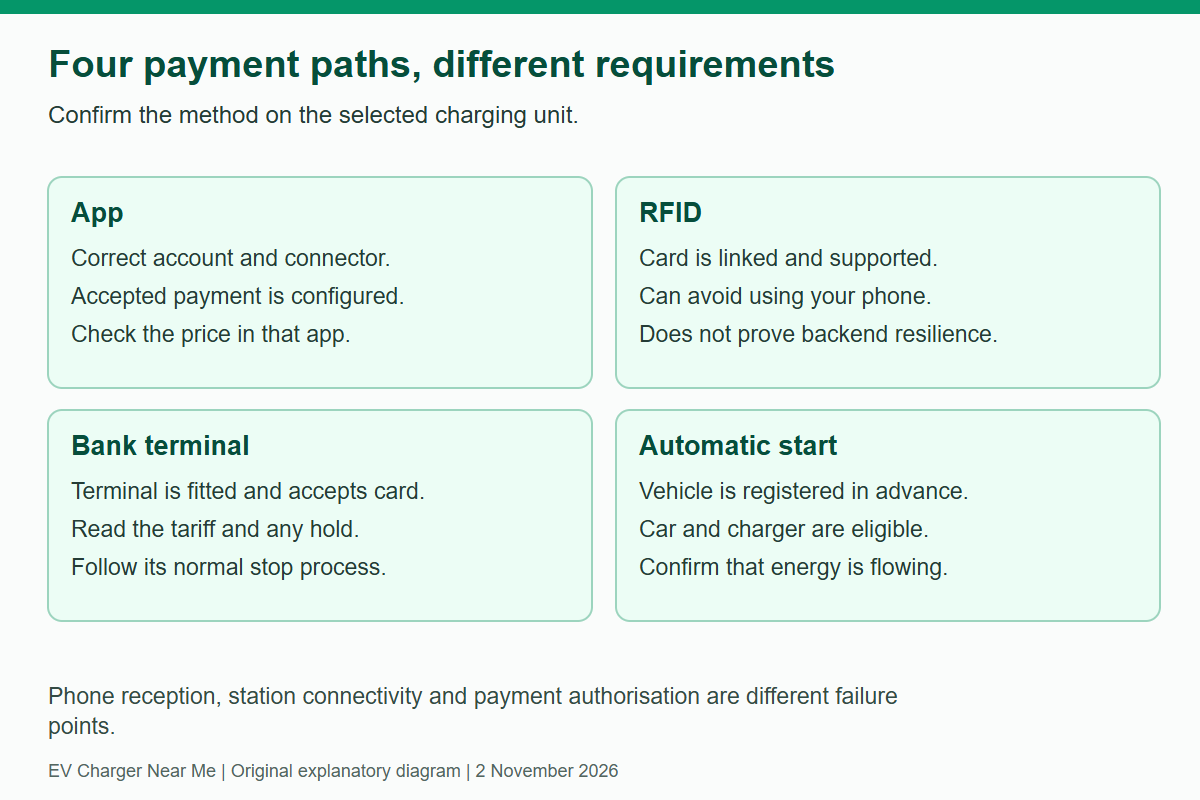
| Method | What you need | Important limit |
|---|---|---|
| Network app | The correct account, accepted payment method and selected station/connector. | A map pin in an app does not always mean that app can authorise a session. |
| RFID card | A supported card linked to a valid account and payment method. | It can avoid using your phone at the bay; it is not a guarantee through a station/backend outage. |
| Bank-card terminal | A terminal accepting your card and the displayed authorisation process. | A terminal at another site does not establish one exists here. |
| Automatic start | Prior activation for an eligible vehicle, charger and payment method. | Plugging in an unregistered car does not automatically establish payment. |
What the operator instructions establish
Chargefox’s driver FAQ explains app-account setup and location-specific pricing. Check the chosen site’s connection and start instructions; some AC sites require your own cable. Chargefox also supports partner sites, so equipment ownership and the app used to pay are not always the same brand.
Evie Pass is linked in the app and can start charging without using the phone. Its guidance requires a saved debit or credit card and excludes some other default payment methods. Autocharge is a separate setup for compatible vehicles and eligible chargers.
At selected Evie sites, Tap & Go works independently of an Evie account. The published sequence is to plug in and tap, then tap the same card and select Stop to finish. Check the unit’s current tariff and temporary hold. Follow the actual screen if its instructions differ.
Tesla’s other-EV instructions require eligible site and vehicle access as well as the payment setup. A compatible plug and an authorised account are separate requirements.
Distinguish a temporary hold from a settled charge
A card pre-authorisation reserves funds before the final session amount is known. It should not be added to the eventual charging receipt as though both are final fees. Evie’s Tap & Go guidance describes a temporary hold and says release timing depends on the bank. Check pending versus completed transactions before reporting a duplicate payment.
If the amount looks wrong, keep the station ID, session time, payment method, displayed price and receipt. Contact the billing operator. A failed start does not establish an automatic refund amount or timetable; the transaction and terms need checking.
Read the unit and fee trigger
A per-kWh price charges for metered energy under the operator’s terms. A timed tariff depends on chargeable time. Parking, session and overstay or congestion charges may be separate. Paying for electricity does not override a car park’s time limit or gate hours.
Evie’s terms allow applicable idling charges after charging finishes. Tesla describes its own congestion conditions, which need not wait for 100%. Use the terms shown for the stop rather than a national idle-fee rule. Our cost guide separates energy, parking and fee arithmetic.
Check roaming and member benefits separately
A partner app may let you start a session, but its tariff and discounts need checking in that app. A motoring-club membership is not automatically a charging subscription, and a charging discount does not establish free parking. Compare the actual price through the method you intend to use.
For NRMA access and account checks, see the NRMA map and app guide. For subscription arithmetic, see Tesla membership break-even.
If you cannot authorise or stop a charge
Check whether the problem is your phone reception, a declined payment, the selected connector or a charger/network fault. An RFID card may address the first problem without solving the others. Use the normal stop control for your payment method and follow vehicle unlocking instructions. Contact support with the station ID if the connector remains locked.
Set up a supported alternative payment method where useful, and save another compatible charging location within a sensible reserve. Use the map or journey planner to find candidates, then check their current operator details. The session walkthrough covers the complete start-and-stop process.
Compare public charging stops
Compare recorded connectors, power and access, then confirm current details with the operator.
Related guides


Need another charging stop?
Browse recorded charging locations or read more guides on using public equipment.
Find EV chargers All guides